
Check selected AI applications
Configure process and version checks, plus file or registry indicators where appropriate. Distinguish an installed application from one currently running.
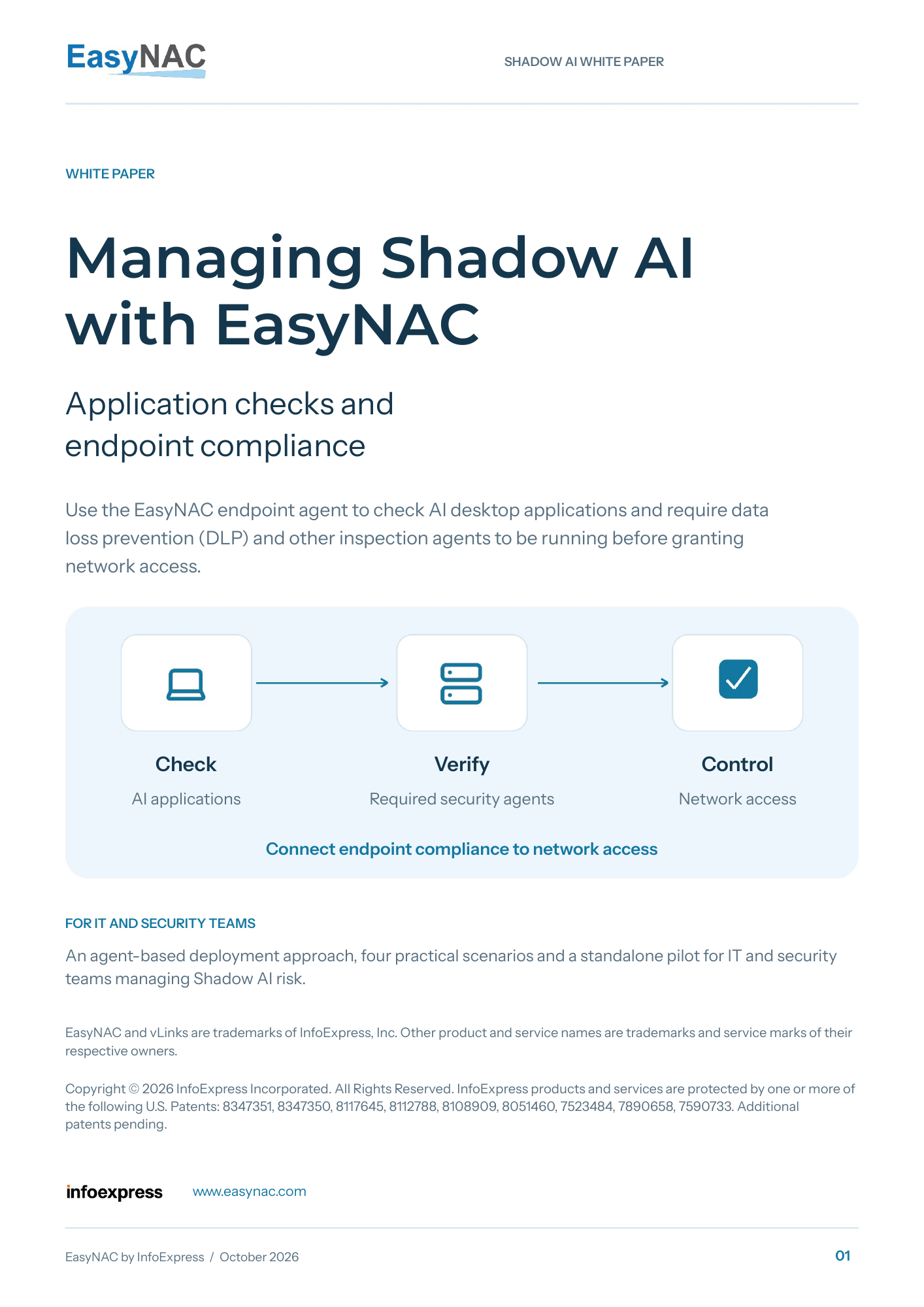
Check AI applications. Verify required protection. Control network access.
Use the EasyNAC endpoint agent to check selected AI desktop applications and require DLP and other inspection agents to be installed and running before granting the required network access.
Free PDF. No email required.
Endpoint compliance meets network access
A managed laptop can still run an unapproved AI tool or lose a required inspection process. Connect the endpoint conditions you check to a clear access decision.
Configure process and version checks, plus file or registry indicators where appropriate. Distinguish an installed application from one currently running.
Require the selected DLP, web inspection or endpoint security software to meet its configured installation and running-state checks.
Apply the agreed access policy when rules pass or fail. Define remediation destinations, recheck after repair and restore access through the agreed workflow.
Inside the white paper
Open a scenario to see how the agent checks and network controls fit together, and what to prove on your own endpoints.
A company laptop may be trusted while an unapproved AI assistant or local inference application is running. Use the EasyNAC endpoint agent to check the selected process and, where relevant, version, file or registry indicators. Apply the configured restricted access policy when that condition fails.
Test the selected application indicator, the resulting access restriction and recovery after the prohibited condition is removed. Confirm an approved application and a healthy peer remain unaffected.
Make the selected DLP, web inspection or endpoint security agent part of the compliance policy. Check its installation and expected running processes. Recheck while the device is connected and apply the defined remediation access when the rule fails.
Stop the selected process only on an approved pilot endpoint. Confirm the failed check and access response, then restore protection and recheck before normal access returns. Add a validated health or configuration signal if process state alone is insufficient.
A personal laptop or unapproved workstation may have no approved endpoint compliance result. Agentless discovery and the unknown-device policy complement the EasyNAC agent by restricting access for this hardware. Keep any legitimate exception specific, limited and time bound.
Verify the unknown device cannot reach selected internal resources while approved peers continue working. Confirm discovery and enforcement timing. Identifying a device as an AI server requires application evidence.
An approved inference or retrieval host can still have more network access than the project needs. Define its required destinations and access policy. On supported managed hosts, add the relevant endpoint agent checks. Application owners continue to manage service identities, model API authentication and repository permissions.
Confirm required connections work and selected out-of-scope destinations are restricted on covered paths. Recheck access and compliance after a deployment or policy change.
A layered approach
Keep responsibility clear across device access, application approval and data protection. EasyNAC supplies the configured endpoint checks and access response.
Maintain the approved AI inventory and relevant check indicators. Revalidate rules after application changes and make exceptions specific and temporary.
DLP, web security and other inspection tools continue to examine content and browser-based AI activity. Their supported health signals can inform the access decision.
Validate the affected endpoint, covered network paths, restriction and recovery. Agentless discovery complements the agent for unknown or unmanaged hardware.
Configured application checks do not provide a complete inventory of every AI tool or inspect AI prompts. A running security process is one signal; validate additional health or configuration checks when your policy requires them.
Read, share and plan
Get the complete deployment approach, scenarios, standalone pilot and guidance for keeping application rules and access aligned.
Application checks and endpoint compliance for IT and security teams.
Prove it on your own endpoints
Begin with one protected subnet, two supported managed endpoints with the EasyNAC agent and an unknown test device. Use approved test applications and dummy data.
Select the AI application indicators, required security processes, audit freshness and permitted remediation destinations.
Test passing checks, a prohibited application, a stopped protection process and missing or stale compliance results. Check an unaffected healthy peer.
Restore the required protection or remove the prohibited condition. Recheck access and measure detection, restriction, recovery and rule-maintenance effort.
The Agentless NAC Evaluation Kit provides the deployment guide and editable workbook. Add this white paper’s endpoint agent checks for the Shadow AI use case.
Before you begin
Shadow AI is the use of AI tools, models or autonomous agents outside an organization’s approval and oversight. It can include an AI desktop application on a managed laptop, an unapproved local inference host or an unapproved browser-based service. Each needs the controls appropriate to its use.
Yes. The paper focuses on the EasyNAC agent for managed endpoints, with configured process, version, file or registry checks for selected AI applications and required security software. Agentless discovery and access control provide complementary coverage for unknown hardware and devices that cannot run the agent.
DLP and other content inspection products examine prompts, uploads and activity. EasyNAC checks the endpoint conditions you configure and connects the result to device network access. A running process alone does not prove every security-product function is healthy; use additional supported and validated signals where needed.
EasyNAC can work alongside an existing 802.1X deployment. Plan and validate the interaction for your network. The standalone pilot in this paper uses the EasyNAC endpoint agent and access policies on protected segments; discuss supported endpoints, traffic paths and requirements with our team.
Use a standalone appliance, one protected subnet, two supported managed endpoints and an unknown test device. Agree the application indicators, required protection processes and pass or fail access policies. Measure checks, restriction and recovery using approved test applications and dummy data. The Agentless NAC Evaluation Kit supplies the network deployment foundation; add this paper’s agent compliance tests.
Bring your AI application policy, required protection agents and access goals. We’ll help you discuss supported checks, deployment and a suitable evaluation.