
Plan your pilot
Choose the devices and traffic paths for your standalone pilot. Check dependencies and agree a rollback procedure.
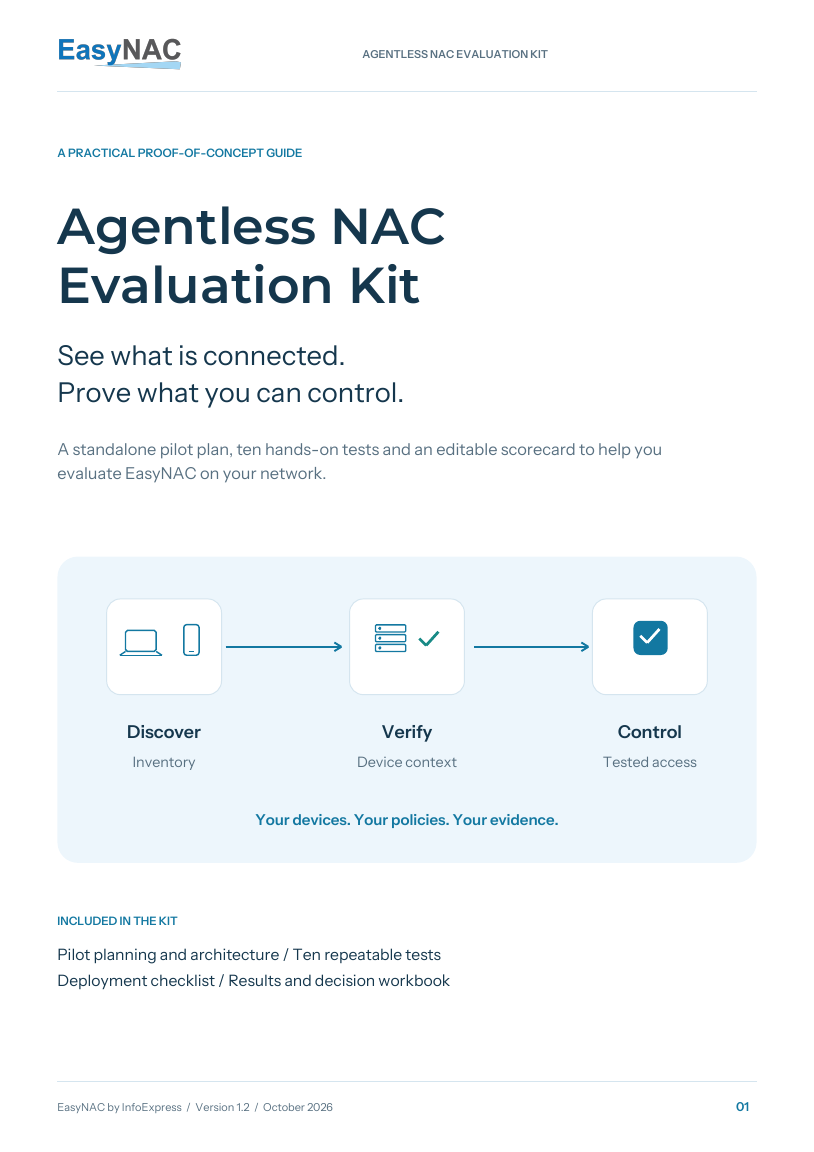
See what is connected. Prove what you can control.
Plan a focused, standalone EasyNAC proof of concept with practical tests, a deployment checklist and an editable scorecard. Use your devices, your policies and evidence from your network.
Free resources. No email required.
A clear path through your pilot
Start with a representative part of your network. Agree what success looks like, run the relevant tests and record what actually happens.
Choose the devices and traffic paths for your standalone pilot. Check dependencies and agree a rollback procedure.
Observe first, then test approved access policies. Verify real traffic as well as the information in the console.
Capture results in the scorecard. Identify gaps, assign follow-up actions and decide whether to expand or retest.
Inside the kit
Open a test to see the approach and evidence to capture. Select the tests that match your scope. AD, security integrations, BYOD and guest workflows are optional where they do not apply; record the reason in the scorecard.
Set up. Choose known laptops, phones, printers and IoT devices on the pilot LAN and Wi-Fi. Keep a reference inventory.
Found / expected devices; discovery interval; wired and Wi-Fi coverage; missing records.
Agree success before testing. The agreed device sample is visible within the agreed interval, without endpoint NAC agents.
Set up. Connect a supported AD integration. Use one valid domain computer and one designated non-domain test device.
Domain match; trust status; policy; allowed and restricted destinations.
Agree success before testing. Valid AD computers receive the agreed trust policy; the non-domain device follows its separate access policy.
Set up. Select a supported AV, EDR or endpoint-management integration and the posture fields it actually supplies.
Integration and fields used; data age; policy change; restriction and restoration results.
Agree success before testing. The selected compliance signal drives the agreed restriction and restoration within the agreed interval.
Set up. Profile known device types. Reserve two isolated lab endpoints and test identities for the spoofing check.
Profile accuracy; fingerprint attributes; spoofing event; trust and access outcome.
Agree success before testing. The agreed profiles are usable, and the simulated impersonator does not inherit trusted access.
Set up. Trust the approved pilot devices. Define allowed, blocked and remediation destinations for one unknown test device.
Detection-to-restriction interval; same-VLAN results; remediation access; approved peer connectivity.
Agree success before testing. The unknown device is restricted as agreed while the approved peer retains access on the existing network.
Set up. Enable the agreed detection policy. Use a designated lab source and reserved test targets; use no actual malware.
Detection event; source identity; response interval; restriction and release results.
Agree success before testing. The agreed scan is detected and triggers the configured response against the correct test device.
Set up. Prepare the BYOD portal, permitted user groups and device rules. Use test users and personal test devices.
Registration steps; owner mapping; user/device limits; access and revocation results.
Agree success before testing. Eligible BYOD devices receive the agreed access; excluded registrations and configured limits are enforced.
Set up. Prepare a guest template or consultant role, a test sponsor, permitted resources and an access expiry time.
Sponsor steps; guest identity; resource restrictions; expiry and revocation outcomes.
Agree success before testing. The approved visitor receives only the agreed access, which ends at expiry or revocation.
Set up. Configure a supported security alert source and response rule. Use a benign event identifying a designated lab endpoint.
Event-to-restriction interval; matching attributes; peer connectivity; release result.
Agree success before testing. The alert restricts the correct endpoint as agreed, with an event trail and a verified release procedure.
Set up. Enable deception and identify the lab decoy/service and test source with the EasyNAC engineer.
Decoy interaction; detection time; source match; alert or restriction; cleanup result.
Agree success before testing. The agreed decoy interaction is detected, attributed to the correct source and handled by the configured policy.
Start in observation mode. Run enforcement, bounded scan and decoy tests only on your approved pilot devices, with a release procedure and management access in place.
Download and make it yours
Use the guide and workbook together. Adapt the scope and acceptance criteria to your organization.
A practical walkthrough from planning to the final evaluation decision.
Connect EasyNAC features to the benefits you verify in your own network.
Before you begin
The kit contains planning and evaluation resources. To arrange access to EasyNAC software or appliances for a pilot, contact our team. We will confirm the scope, licensing, sizing and deployment requirements with you.
This kit focuses on an agentless evaluation. Include a representative mix of managed and unmanaged devices. Detailed security posture may depend on supported integrations or credentials; confirm the evidence available for each device type.
Confirm appliance placement, the protected VLANs and required addresses for your LAN and Wi-Fi. A SPAN/mirror port is not required. Add Enforcer Sensors only if branch coverage is part of your pilot. This kit focuses on a standalone appliance and does not include authentication-system tests.
Set a schedule around your scope, integrations, approvals and test windows. Agree the acceptance criteria and review date before starting. The guide helps structure the work without assuming the same deployment time for every network.
Bring a simple site map, your main device groups and the access problem you want to solve. We’ll help you discuss a suitable EasyNAC evaluation.